From topic to published video.
Vidsuite writes the script, records the voice, finds and draws the pictures, animates every scene and posts to YouTube, Reels and Shorts. You approve each step.
Your first videos are free. No card needed.
One story. Three looks.
The same Bronze Age story as long videos and a Short, in three different looks. Every chart, map and diagram is drawn and animated for its line of the script, never a template slide.
Scenes drawn with Vidsuite's motion graphics kit, shown without sound.
Five steps. Same every time.
- 1
Script & voice
Pick a topic. Vidsuite writes the script and records the narration in your channel voice.
- 2
Pictures
Real photos where they exist, AI pictures where they don’t, with your character in every one.
- 3
Motion graphics
Maps, charts and animated scenes in your style, with sound effects.
- 4
Render
One click makes the final video, plus a 9:16 cut for Reels and Shorts.
- 5
Publish
Title, description, thumbnail and schedule for YouTube, Instagram and Facebook.
Your character in every picture. Your style in every scene.
Create a channel character once. Vidsuite draws it into every AI picture and thumbnail, in your style, so viewers know your videos at a glance.
 Your character
 Story picture
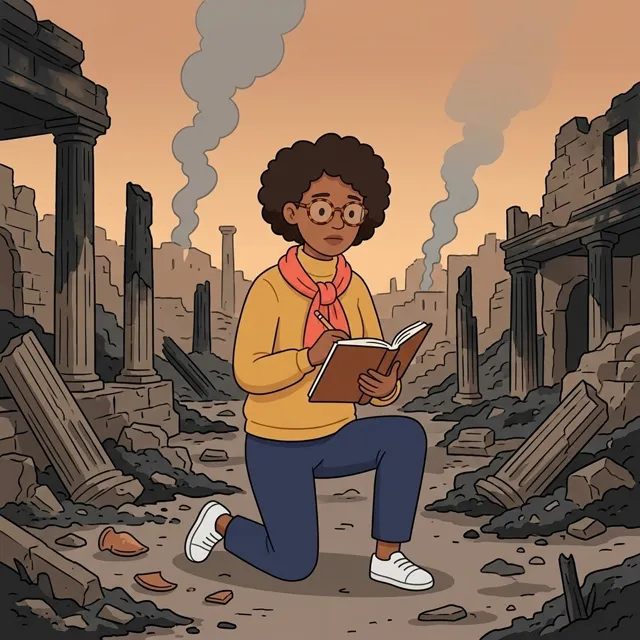 Story picture
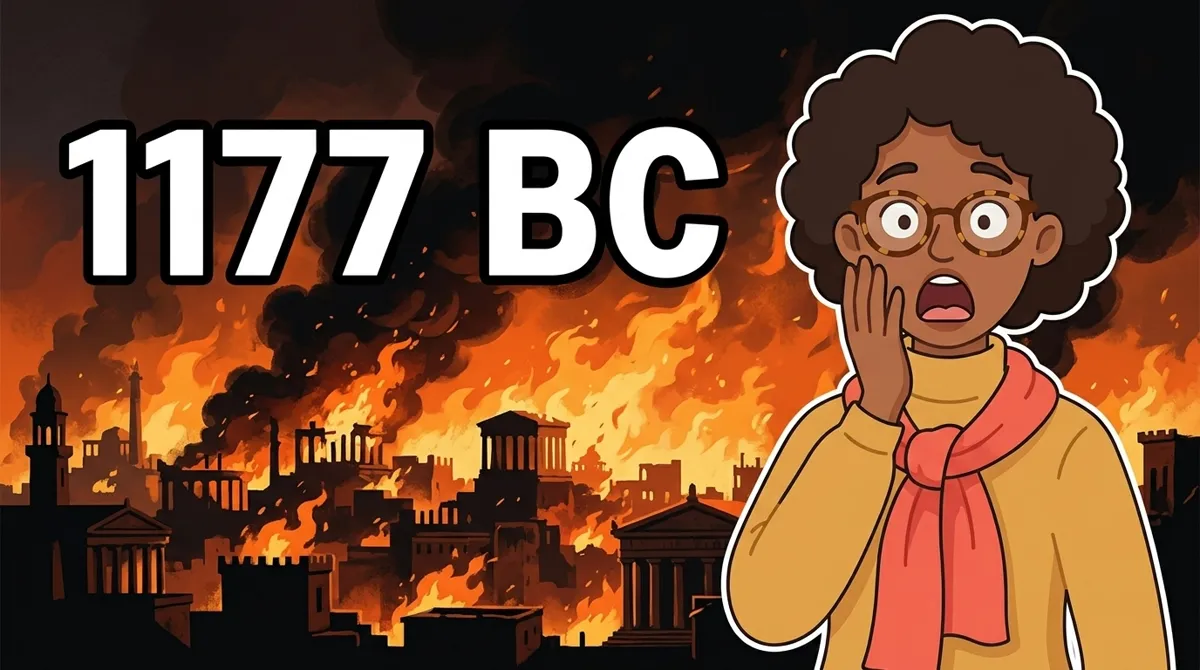 Thumbnail
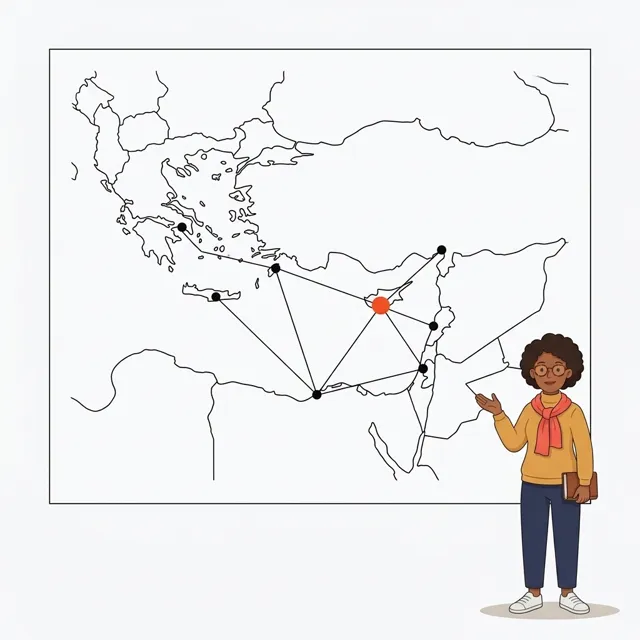 Motion scene
Simple pricing
Every plan gives you credits. A minute of Storyboard video uses 100 credits, a minute of Explainer 300, and a minute of Explainer Premium 900. Unused credits roll over while you're subscribed, up to 3 months' worth. Start with 3 free Shorts (up to 40 seconds each) or 1 free long video (up to 2 minutes), no card needed.
Starter
4,000 credits a month
For getting started. Standard quality
Creator
Most picked9,000 credits a month
Regular uploads. Premium included
Pro
20,000 credits a month
Several videos a week. Premium included
Studio
40,000 credits a month
Daily uploads or several channels. Premium included
Every plan includes
- Explainer, Storyboard and Shorts
- Script, voice, pictures, motion graphics and render
- Publish to YouTube, Instagram and Facebook
- Your channel style and character
Good to know
Need more this month? Plan members can add 2,000 credits for $12. They never expire.
Length is counted from the script, by the second (at least 1 minute). Every video shows its credits before it starts. The minutes on each plan are estimates.
Explainer motion graphics use 200 extra credits a minute (800 on Premium), once per video. So an Explainer minute is 300 credits, or 900 on Premium. Premium comes with Creator, Pro, Studio.
Storyboard pictures made by Vidsuite's AI use 100 extra credits a minute. Pictures you make for free with the Chrome extension cost nothing.
Rendering again is free. Scenes that failed are always remade free.
Prices are shown in US dollars. For now, cards are charged in Naira at ₦1,400 per $1 (Starter is ₦26,600). A card from outside Nigeria may add a foreign-currency fee from your bank.
Cancel anytime in one click. See the refund policy.
Questions
Do I need to show my face or record my voice?
No. Vidsuite records the narration with the voice you pick, and your channel character appears instead of you.
Can I edit what the AI makes?
Yes. Every step waits for you: change the script, swap pictures, redo a scene, then approve.
Where does it post?
YouTube (long videos and Shorts), Instagram Reels and Facebook Reels. Post now or schedule for later.
Where do the real photos come from?
From free-to-use libraries such as Wikimedia Commons. You can also upload your own pictures.
How do credits work?
A minute of video uses 100 credits on Storyboard, 300 on Explainer and 900 on Explainer Premium (Creator plan and up), counted by the second, used once when you approve the script. Every video shows its credits before it starts. Rendering again is free. Unused plan credits roll over while you're subscribed (up to 3 months' worth), and wait for you if you stop.
Can I get a refund?
Yes, within 7 days of a payment if you've used fewer than 500 credits since then. You can also cancel anytime in one click.